How to Cancel Your CyberGhost Subscription
After conducting a thorough review of CyberGhost, I found it to be a commendable choice for a VPN service. However, it’s important to recognize that every user’s experience may differ. If you find that CyberGhost is not the right fit for you, here’s a guide on how to cancel your subscription effectively.
Stopping Auto-Renewal
To prevent your CyberGhost subscription from automatically renewing, follow these steps:
- Open your web browser and navigate to cyberghostvpn.com.
- Click on “My Account” at the top-right corner of the screen.
- Log in with your username and password if prompted.
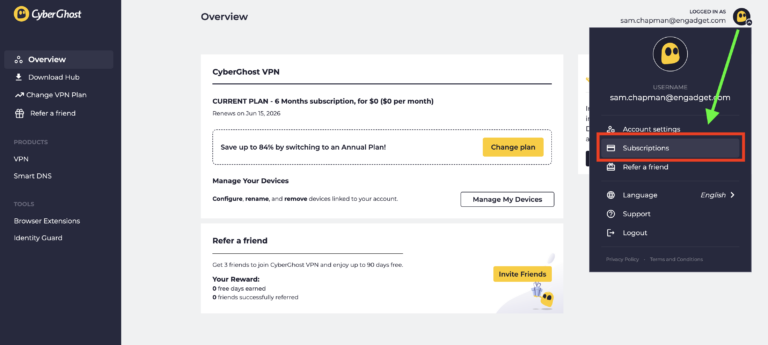
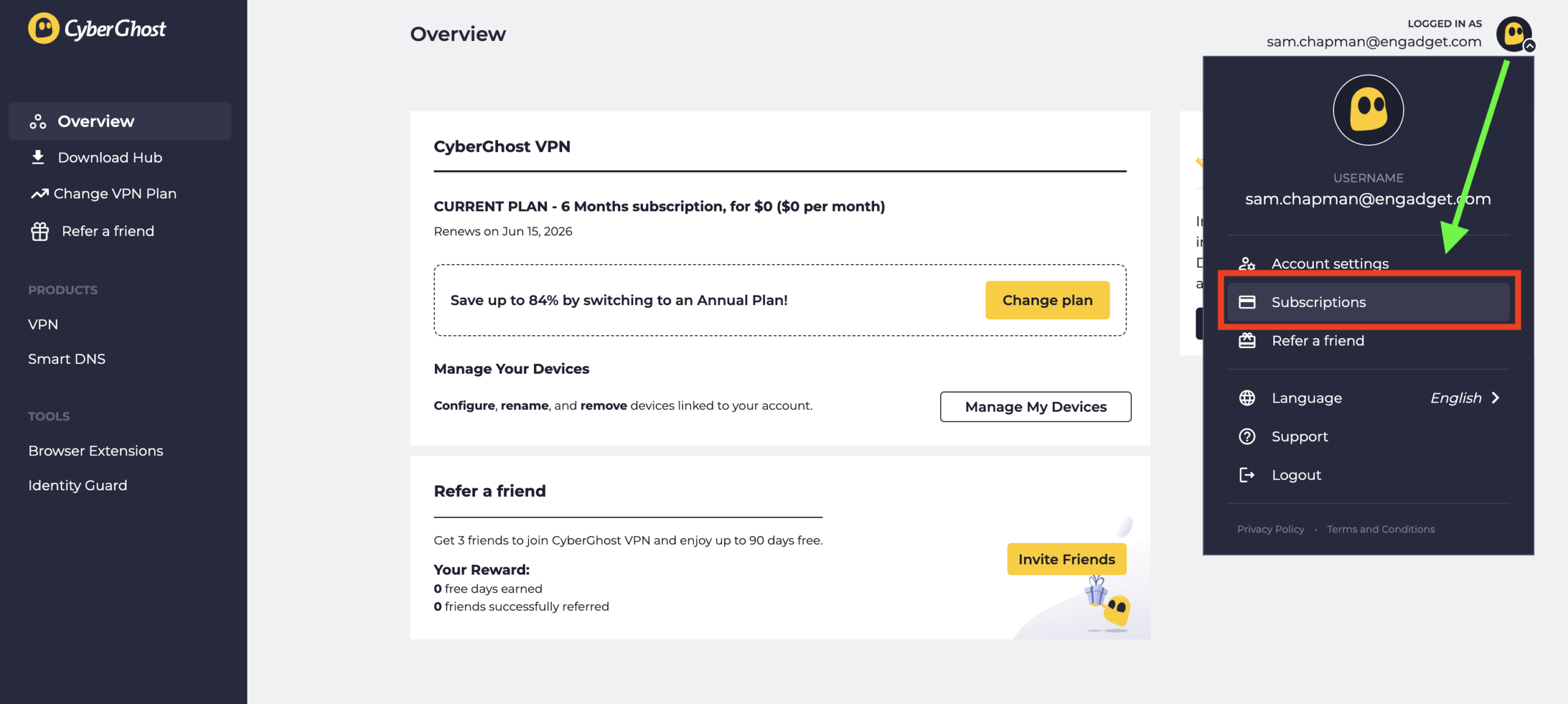
- Click on the CyberGhost logo next to your email address, then select “Subscriptions.”
- Find the subscription you wish to cancel and select “Cancel Subscription.”
By completing these actions, you will successfully disable the automatic billing feature. Your subscription will remain active until the end of the current billing cycle.
Canceling Through App Stores
If you subscribed to CyberGhost via the Apple App Store or Google Play Store, you must cancel your subscription through those platforms. For Apple users:
- Open the “Settings” app and tap your name at the top.
- Select “Subscriptions” and find your CyberGhost subscription.
- Tap “Cancel Subscription” and follow the prompts.
For Google Play users, the process is similar:
- Open the Google Play Store app and tap your profile icon.
- Go to “Payments & Subscriptions” and select “Subscriptions.”
- Locate your CyberGhost subscription and click “Cancel Subscription.”
Deleting Your CyberGhost Account
If you wish to delete your CyberGhost account entirely, ensure that you have canceled the auto-renewal first. To delete your account:
- Log in to your account at cyberghostvpn.com.
- Click on your profile and find the option to “Delete My Account.”
Follow the instructions to permanently remove your account.
Requesting a Refund
If you are seeking a refund, note that you must do this within the designated period: 14 days for monthly subscriptions and 45 days for others. If you are eligible, you can contact customer support to request your refund, either via email or live chat. For app store subscriptions, you will need to request a refund directly from the respective platform.
For more detailed assistance or to explore alternatives to CyberGhost, visit mesadecentro.net for additional resources and recommendations.